Best Tablets for Kids in India (2026)
Kids tablets need durable build quality, parental controls, good display and affordable price.

Realme
Realme Pad Mini
₹10,999

Lenovo
Lenovo Tab M9
₹10,999

Samsung
Samsung Galaxy Tab A7 Lite
₹11,999

Nokia
Nokia T20
₹12,999

Realme
Realme Pad
₹13,999
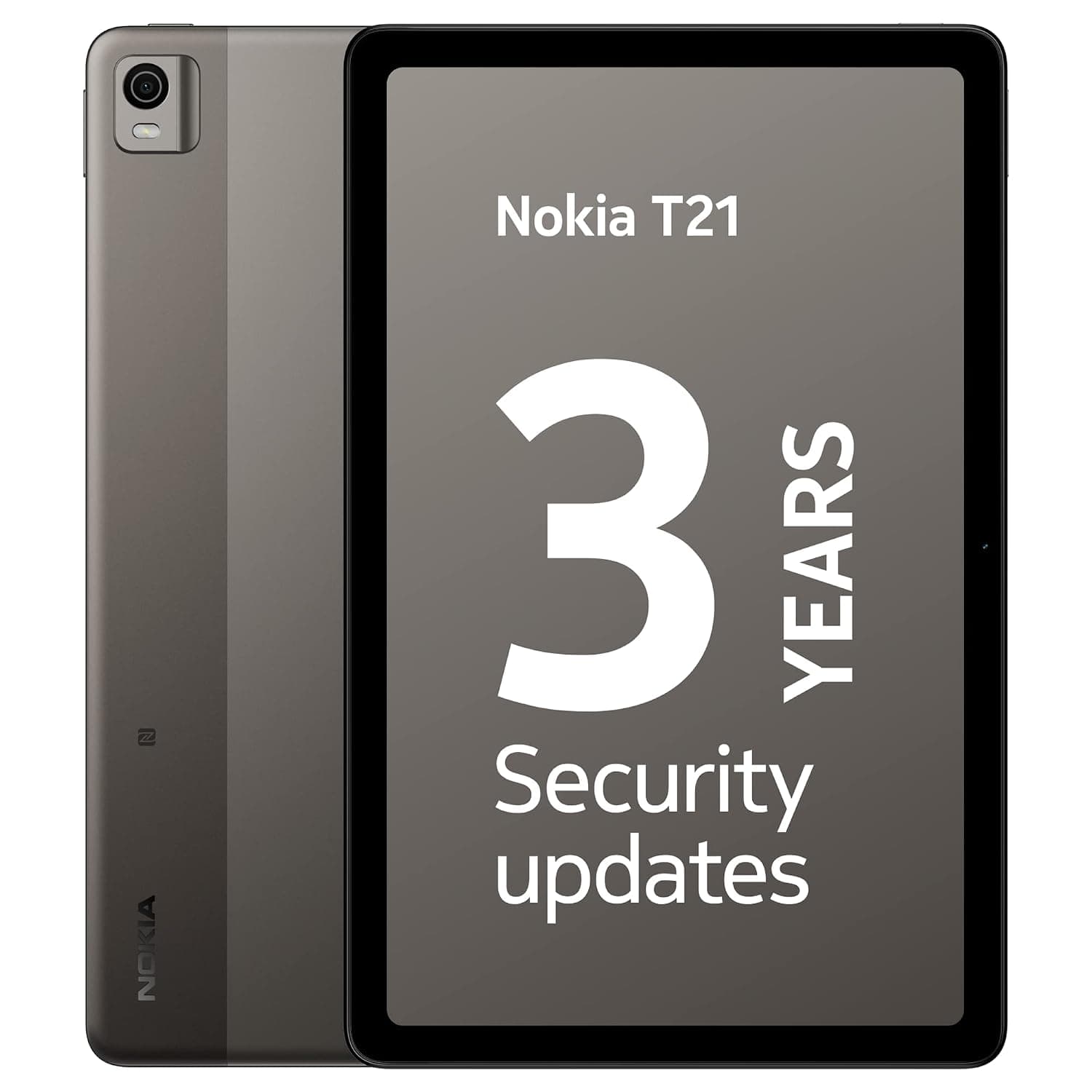
Nokia
Nokia T21
₹14,999

Xiaomi
Xiaomi Redmi Pad SE
₹14,999

Motorola
Motorola Tab G62
₹14,999

Lenovo
Lenovo Tab M11
₹14,999
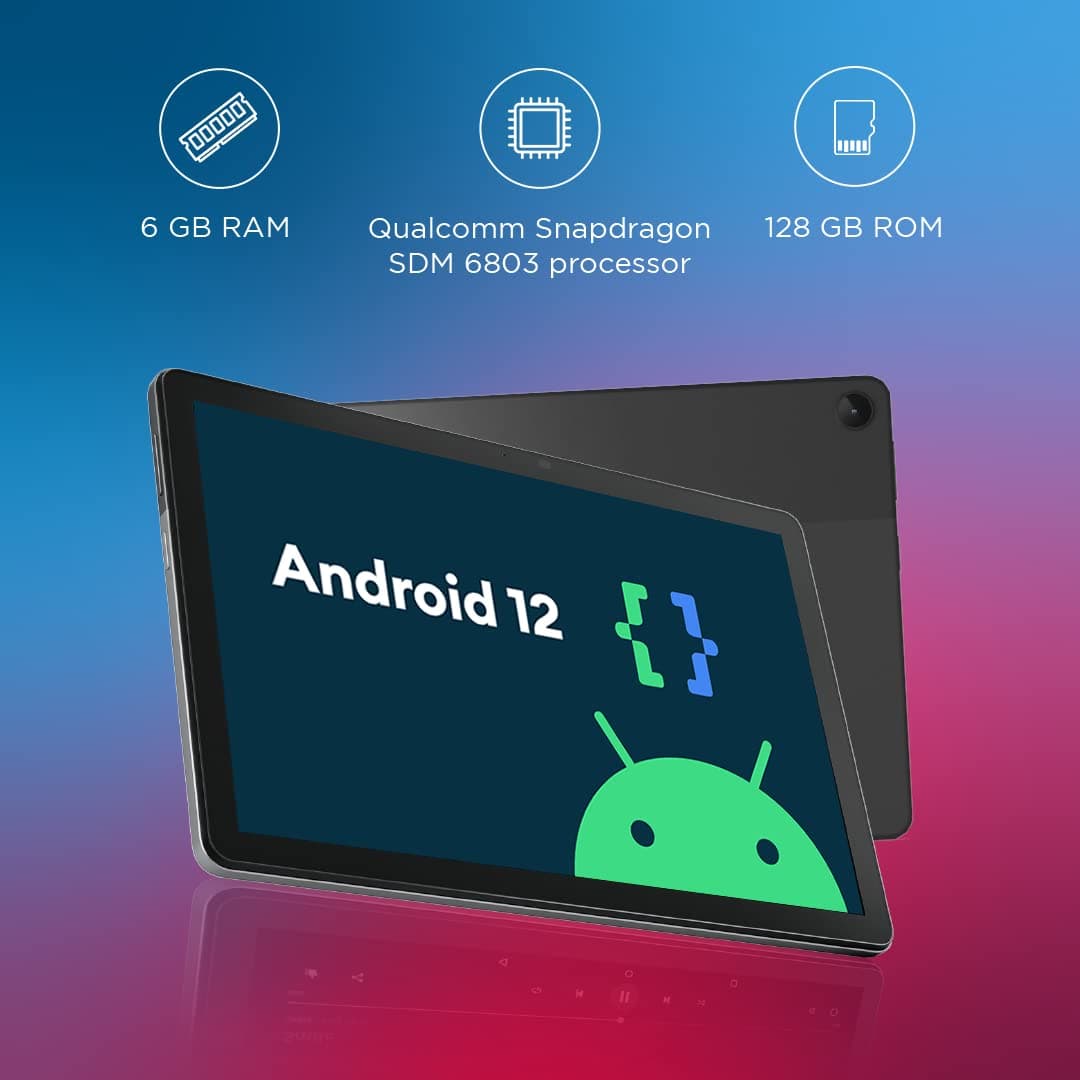
Lenovo
Lenovo Tab M10 Plus Gen 3
₹16,999

Samsung
Samsung Galaxy Tab A8
₹16,999

Realme
Realme Pad 2
₹17,999
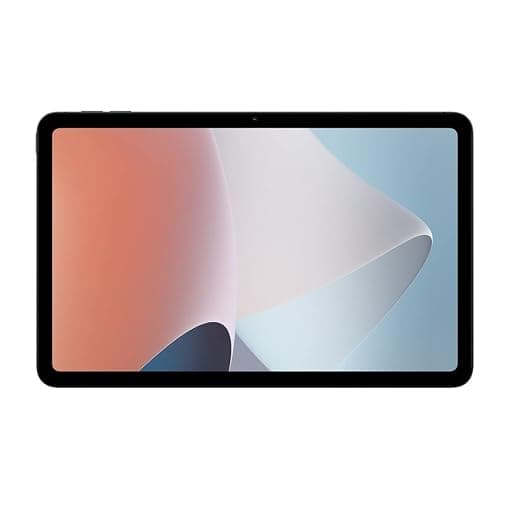
OPPO
OPPO Pad Air
₹17,999

Samsung
Samsung Galaxy Tab A9
₹19,999

Realme
Realme Pad X
₹19,999
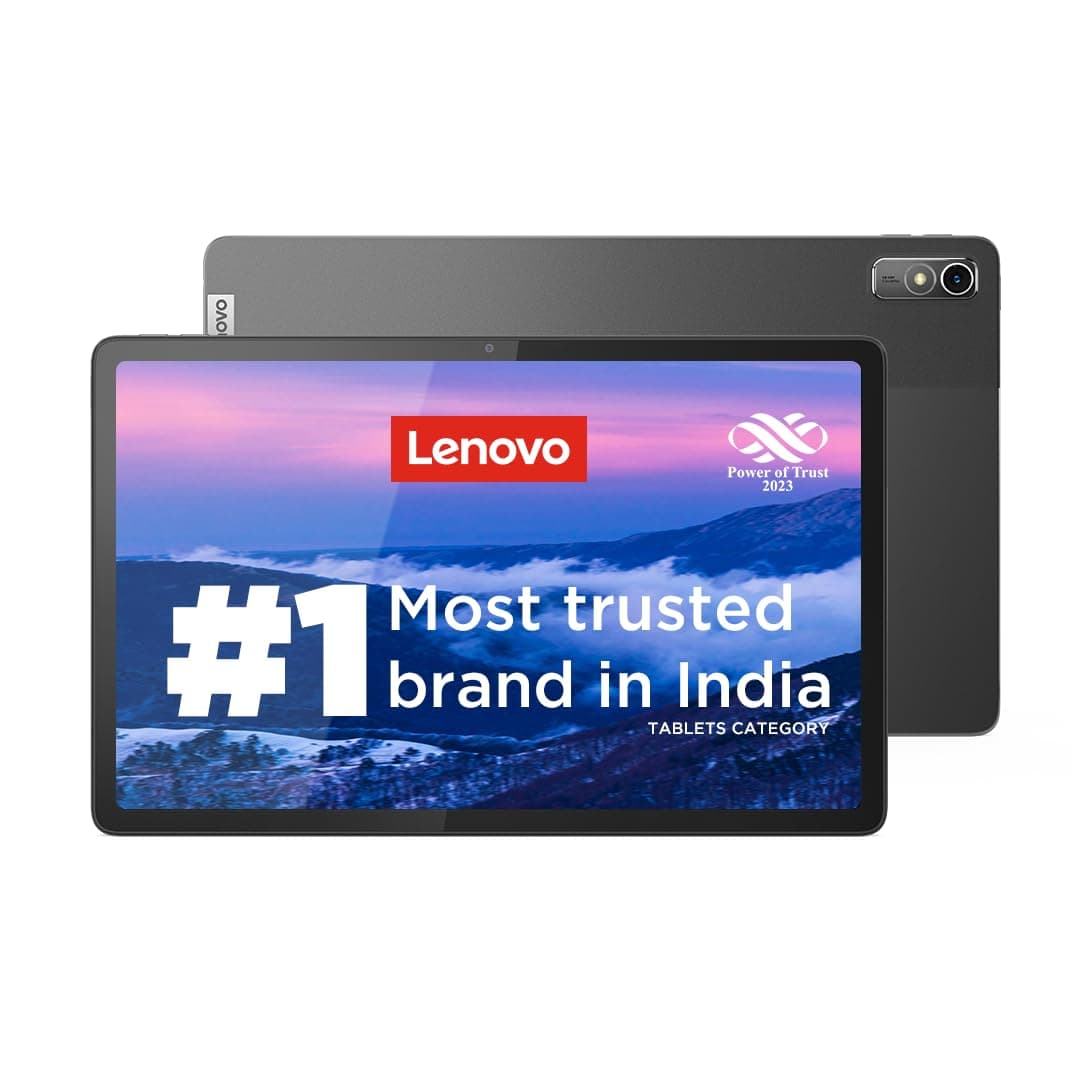
Lenovo
Lenovo Tab P11 Gen 2
₹19,999

OnePlus
OnePlus Pad Go
₹19,999
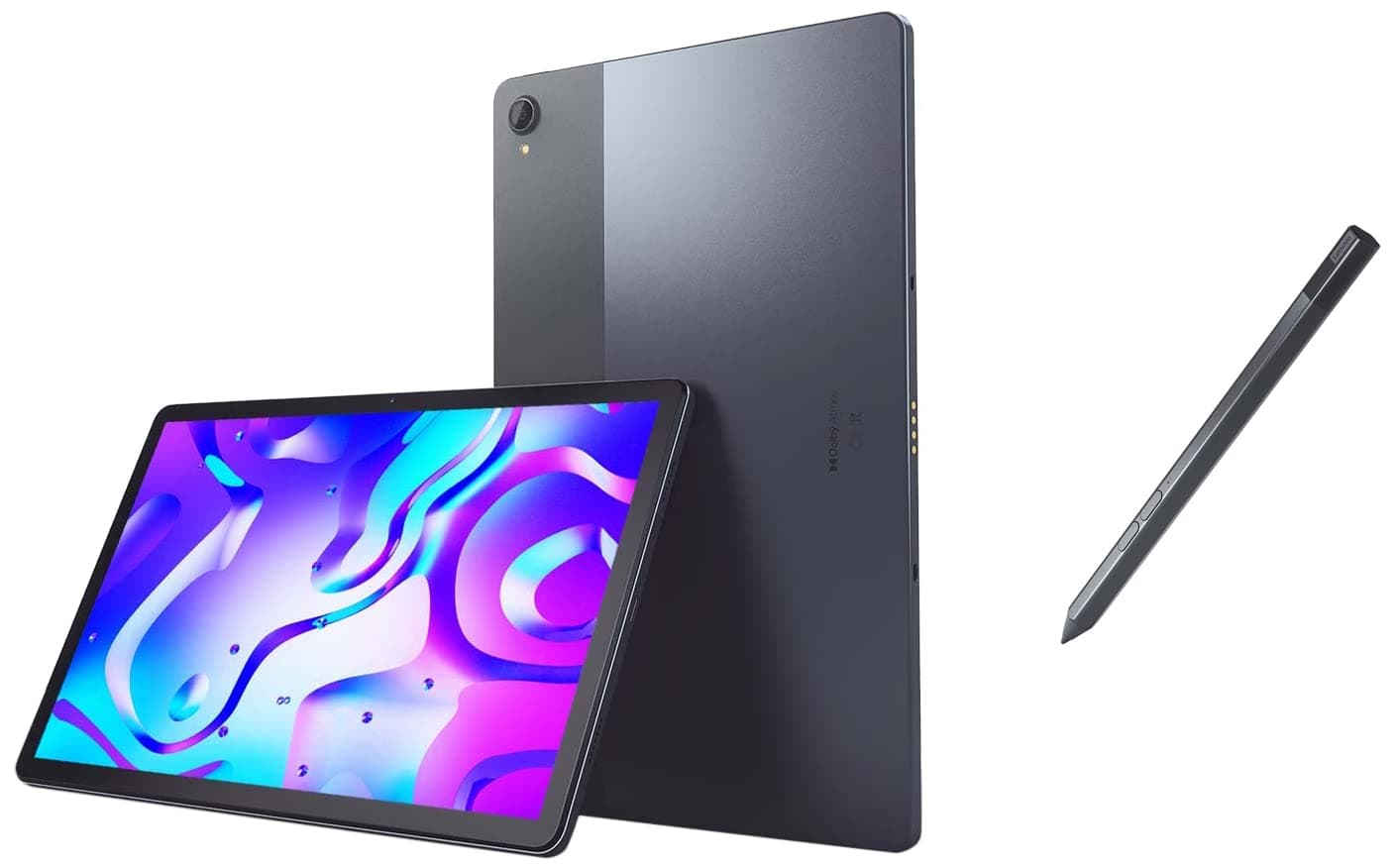
Lenovo
Lenovo Tab P11 Plus
₹22,999

Samsung
Samsung Galaxy Tab A9+
₹29,999

Apple
Apple iPad 9th Gen
₹30,900
Buying guide: how to choose best tablets for kids
A kids tablet is a family investment, so the priorities are durability, parental controls, and a good display for eyes. Look for models with reinforced builds and consider a rugged case, plus built-in parental controls that let you manage screen time, app access and content restrictions. An IPS or LCD display with comfortable brightness range is fine — kids don't need AMOLED, and the savings go toward a better build.
In terms of specs, 3–4GB RAM and a mid-range chipset are more than enough for educational apps, YouTube Kids, drawing apps and simple games. Battery life and charging port durability matter since tablets take heavy everyday use. Set a budget, prioritise parental controls and build quality, and use the comparison tool to compare RAM, battery and display across the shortlisted models before making the call.
Use our comparison tool to compare any two tablets side by side, or try AI Recommender for personalised suggestions based on your budget and needs.